![Web-colour (1).png]](https://support.loylap.com/hs-fs/hubfs/Web-colour%20(1).png?width=104&height=50&name=Web-colour%20(1).png)
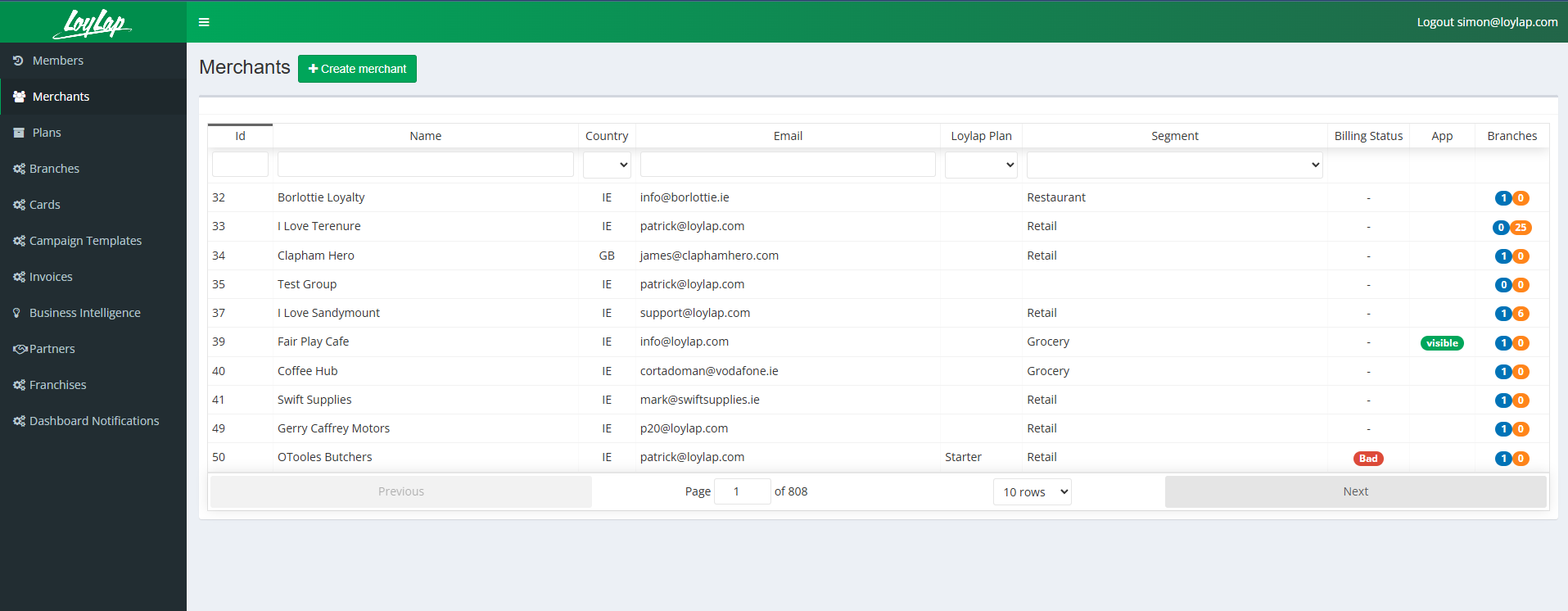
1) Log into the admin portal over on admin.loylap.com
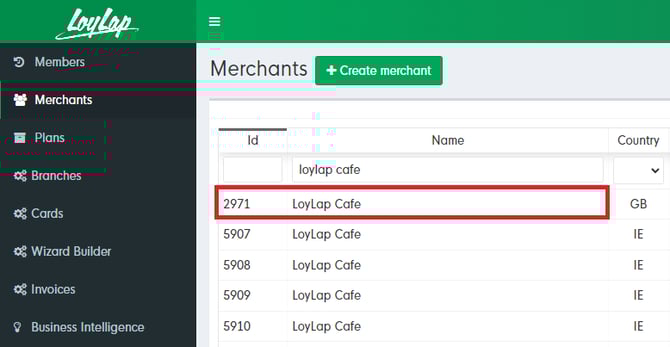
2) Search for your merchant in the name field to locate the account.
3) After you click into the merchant you'll want to head into 'Info', 'Settings' and then 'Branded app as highlighted below.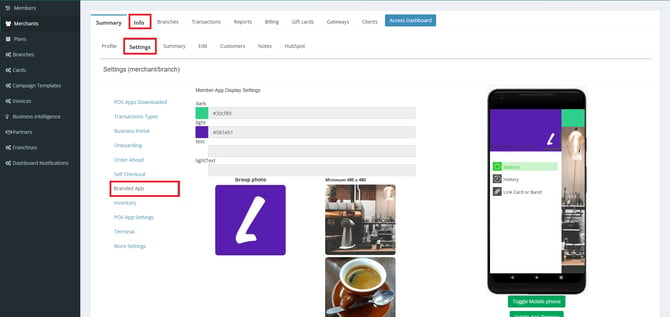
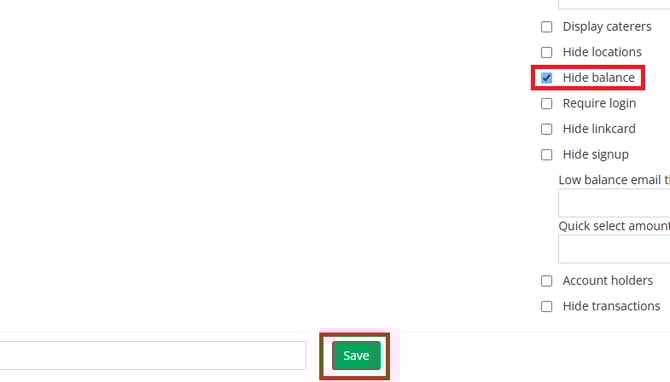
4) From here you'll need to scroll down slightly and check out the tick boxes on the right hand side. You'll want to tick the 'Hide Balance' and then 'Save'.
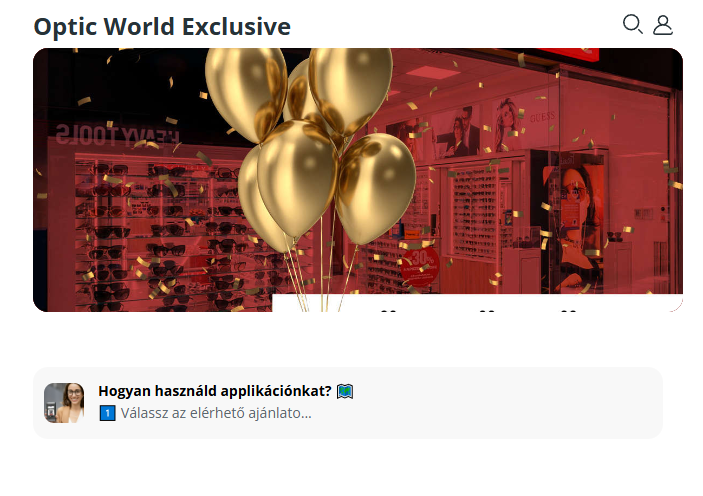
5) After this is enabled you'll notice there is no balance showing under the main banner for the business.