![Web-colour (1).png]](https://support.loylap.com/hs-fs/hubfs/Web-colour%20(1).png?width=104&height=50&name=Web-colour%20(1).png)
1) Go to https://groups.google.com/my-groups - It will look as seen below.
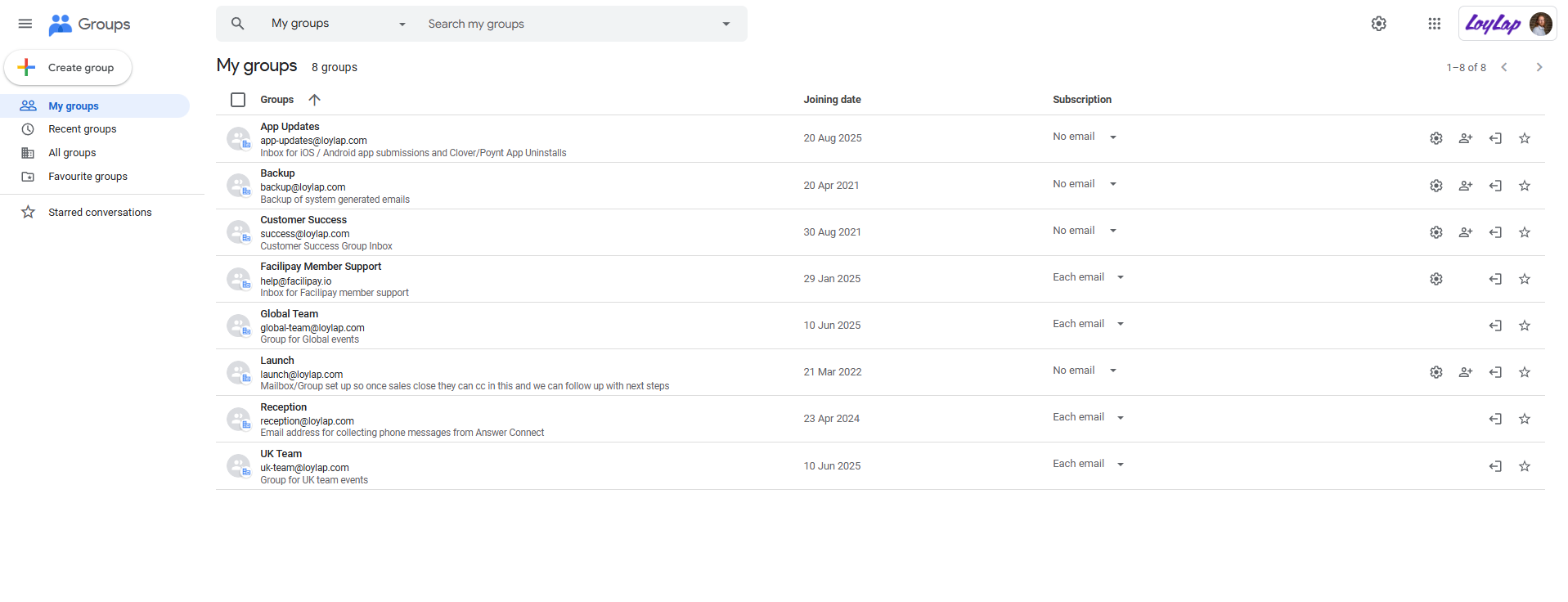
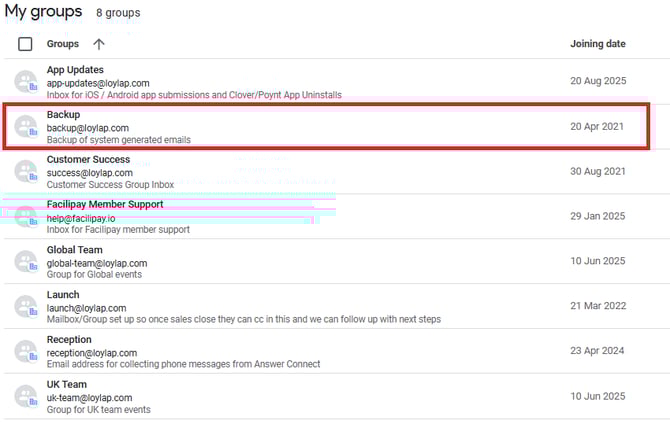
2) Click on 'Back Up' to go into the voucher back up. Vouchers are found here as all digital vouchers have a blind cc so we have them for our records. If you don't see the back up group then request to be added to the group.
You'll then be taken back into the back up list where you can see all recent vouchers that have been sent.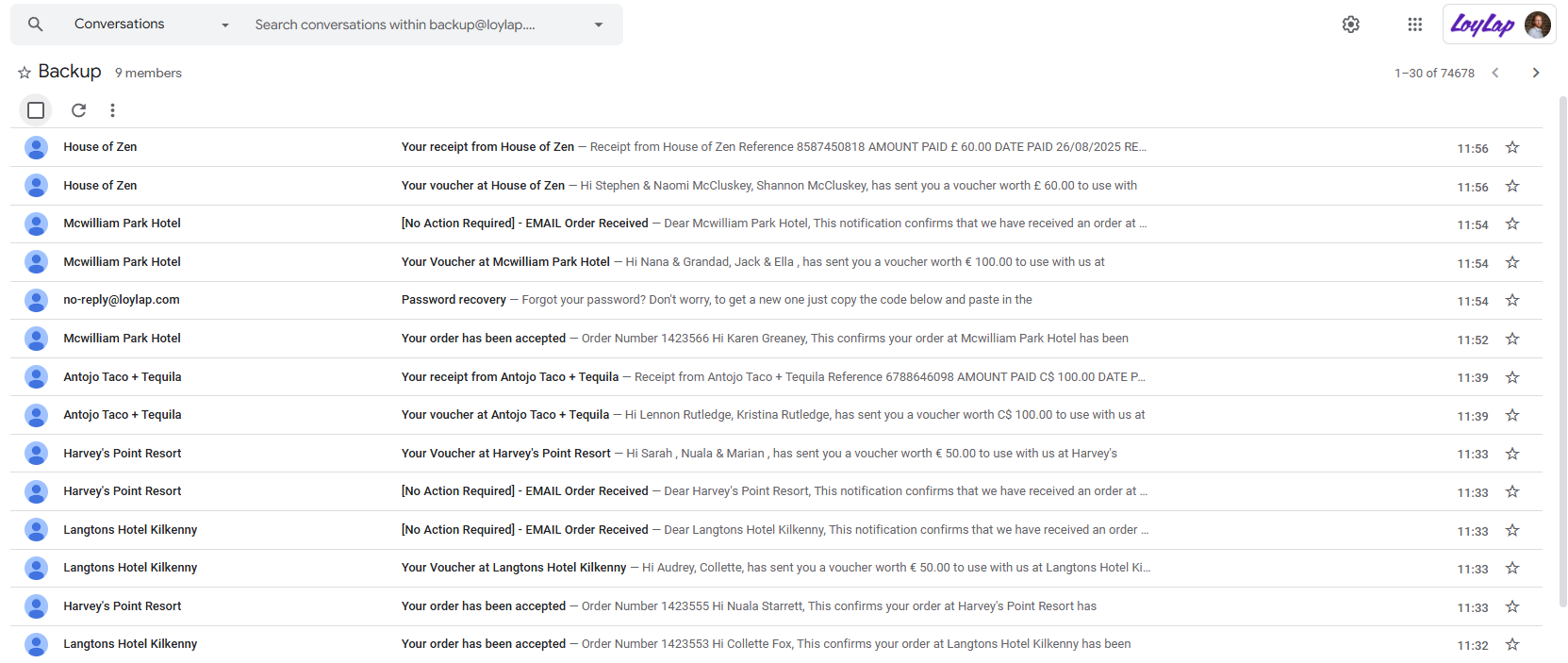
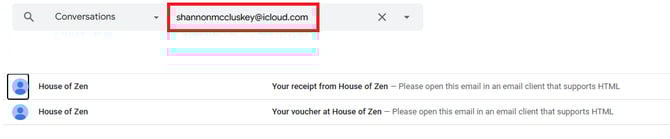
3) In the search bar, input the email that the voucher was sent to, if it was sent successfully then it will appear in the search results, as seen below.
4) Click on the voucher and locate the forward button, as seen in the screenshot below - forward the voucher to the intended person.
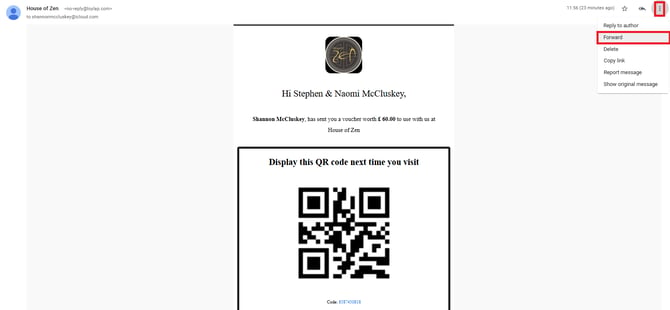
- You can also send the voucher to the sender and the Merchant for safe measure if you wish.
5) Contact the sender/ the person that enquired about the missing voucher, to inform them it has been resent. Be sure to ask them to check their spam folder if they don’t see the voucher in their inbox.
*If there is no search result then it is likely that the recipient email was incorrectly typed, another email was used or the payment didn’t go through.
*In these cases, go back to the sender and ask them to confirm the name inputted on the voucher, the date and time purchased and the greeting message if entered. Then go on to the admin portal and skim the Merchants transaction history, it can often be located this way - Then you can see what email was inputted and forward to the intended email.